Documentation Index

Fetch the complete documentation index at: https://docs.payingame.io/llms.txt

Use this file to discover all available pages before exploring further.

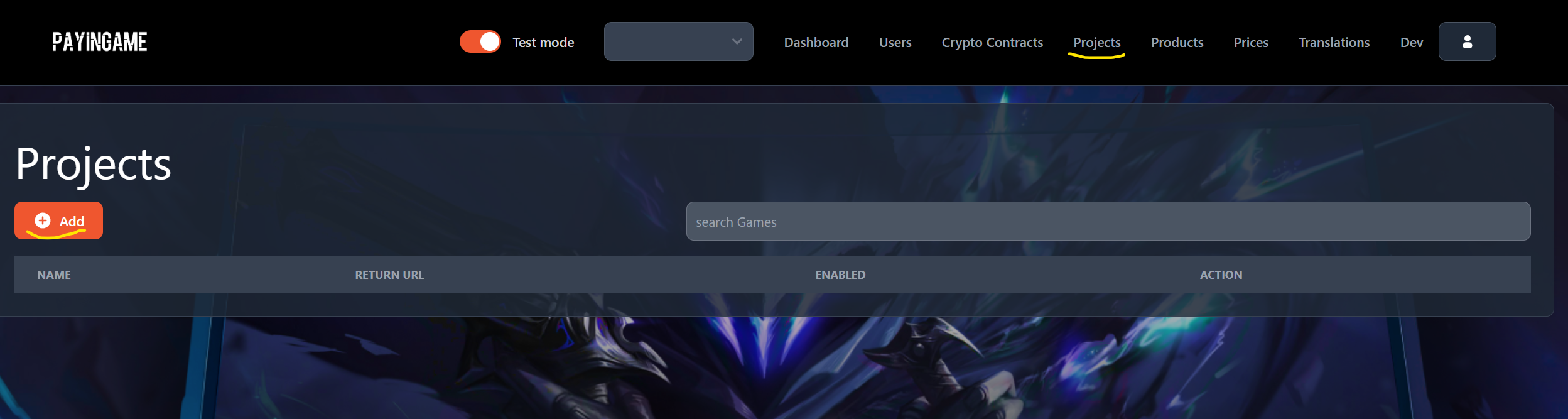
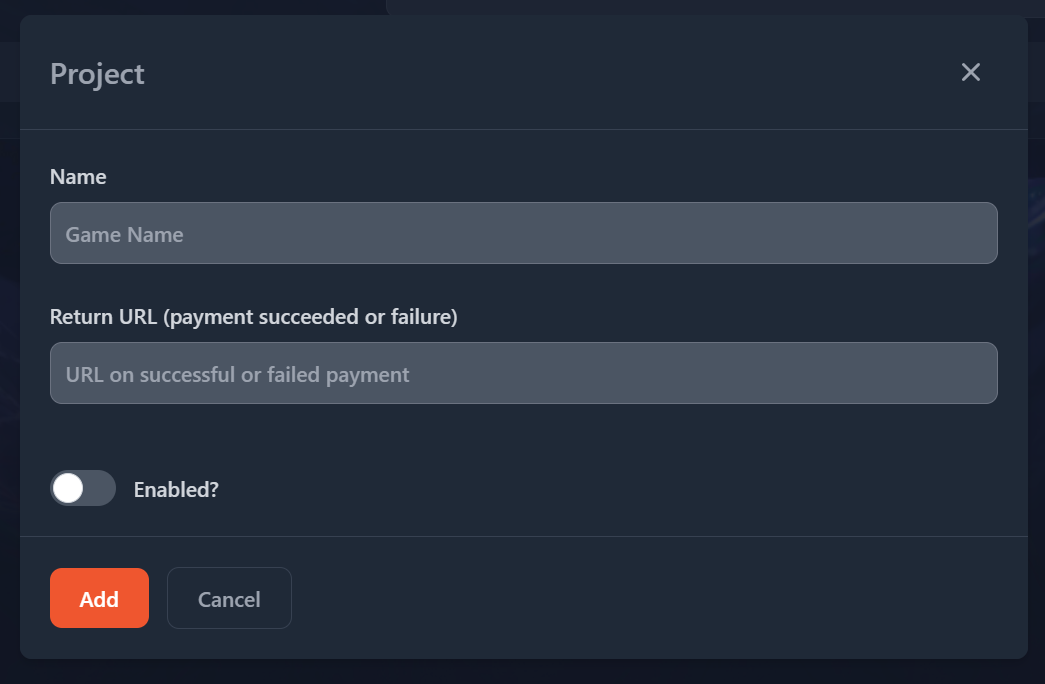
To create a project, go to the “Projects” item in the header and press on “Add” addproject You will see the following popup: addproject
  • Name: Will be the name of your project
  • Return URL: You can define a customer URL you want to point Payingame to once a payment has been succeeded or not. This is not mandatory.
  • Enabled: You can disable or enable your project at any time. It will block payments if its disabled.