Once a product is available, you can always edit it later.
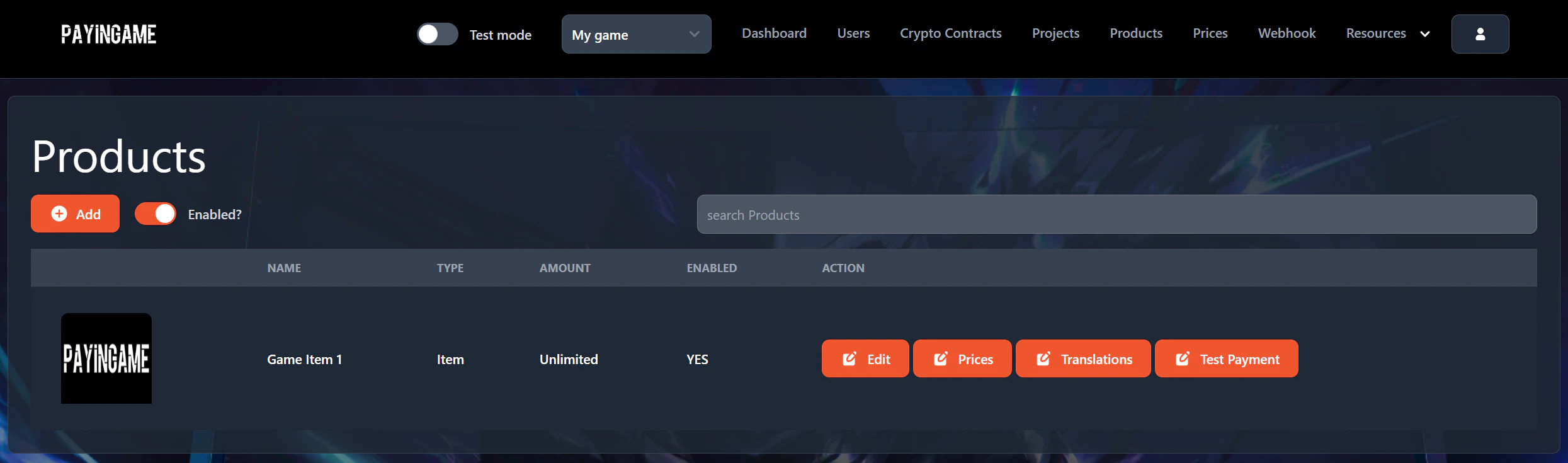
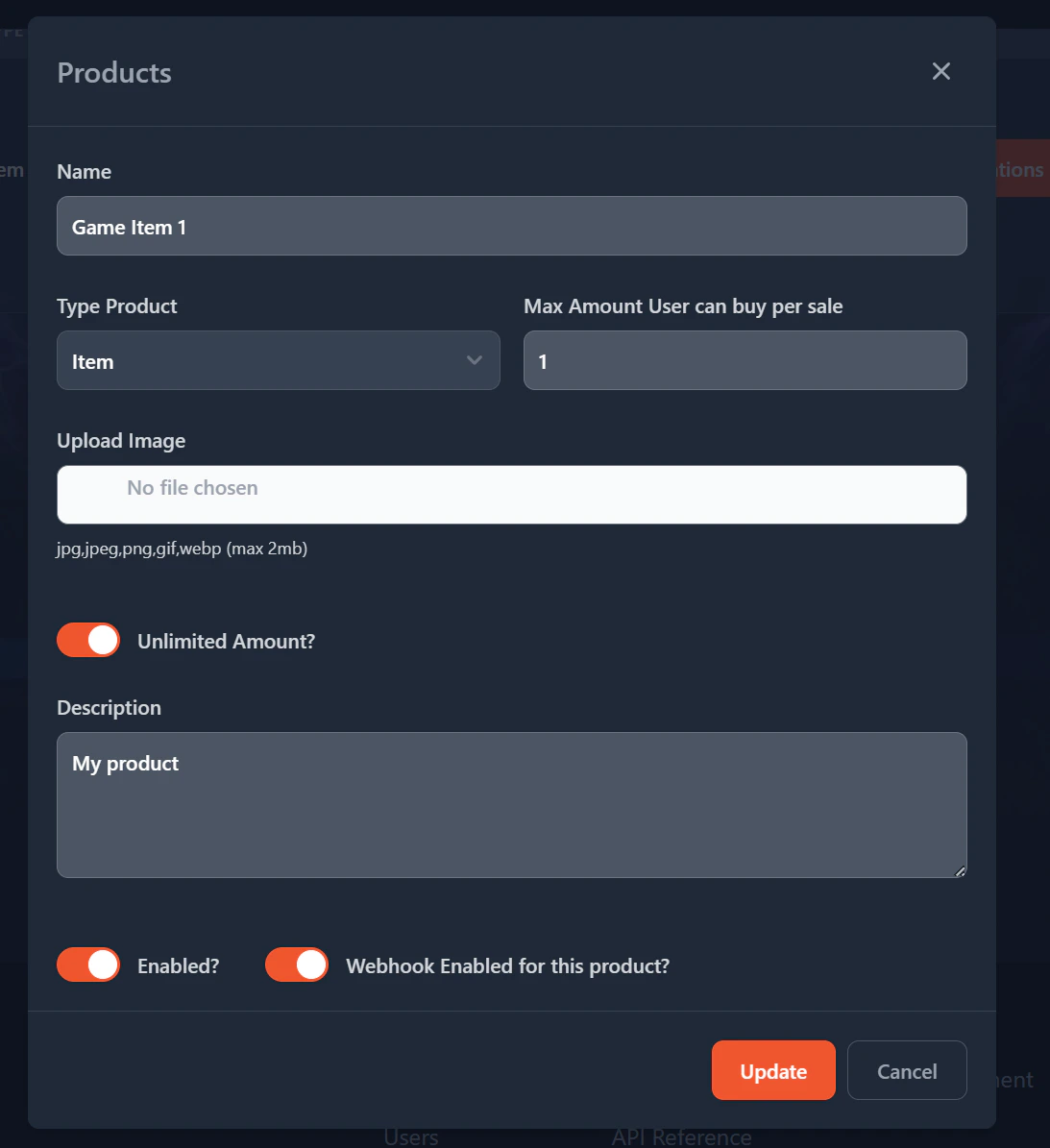
To edit a product, go to the “Products” item in the header and press on “Edit” in the list of projects. Be sure to select a project first on top.A popup will appear where you will be able to make the necessary changesPressing on the Update button will allow you to save the changes.