

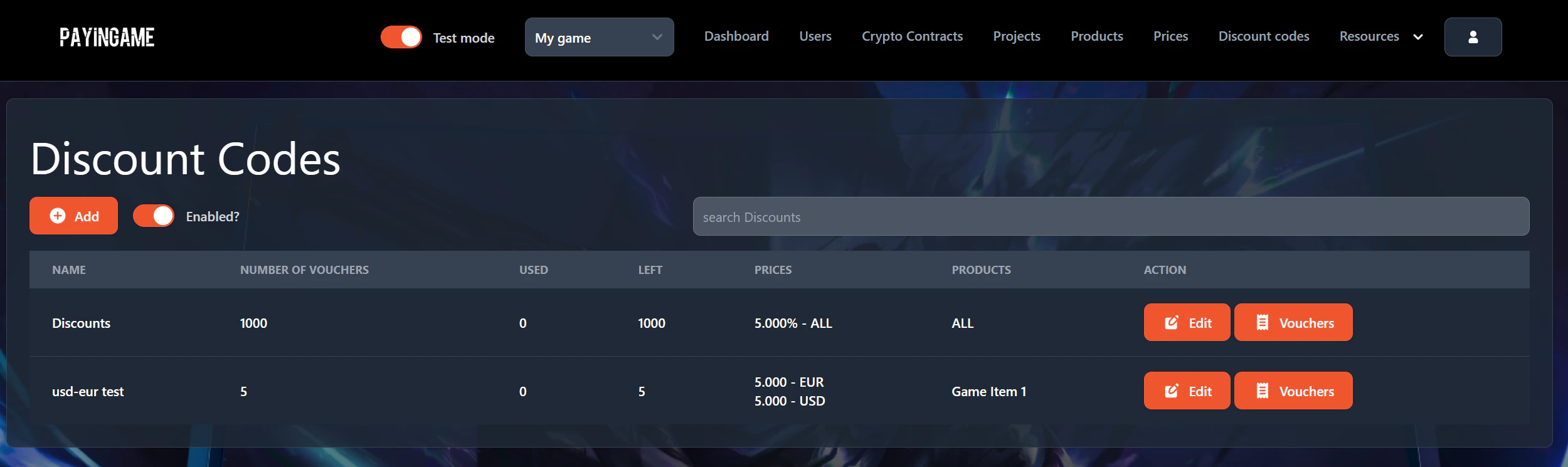
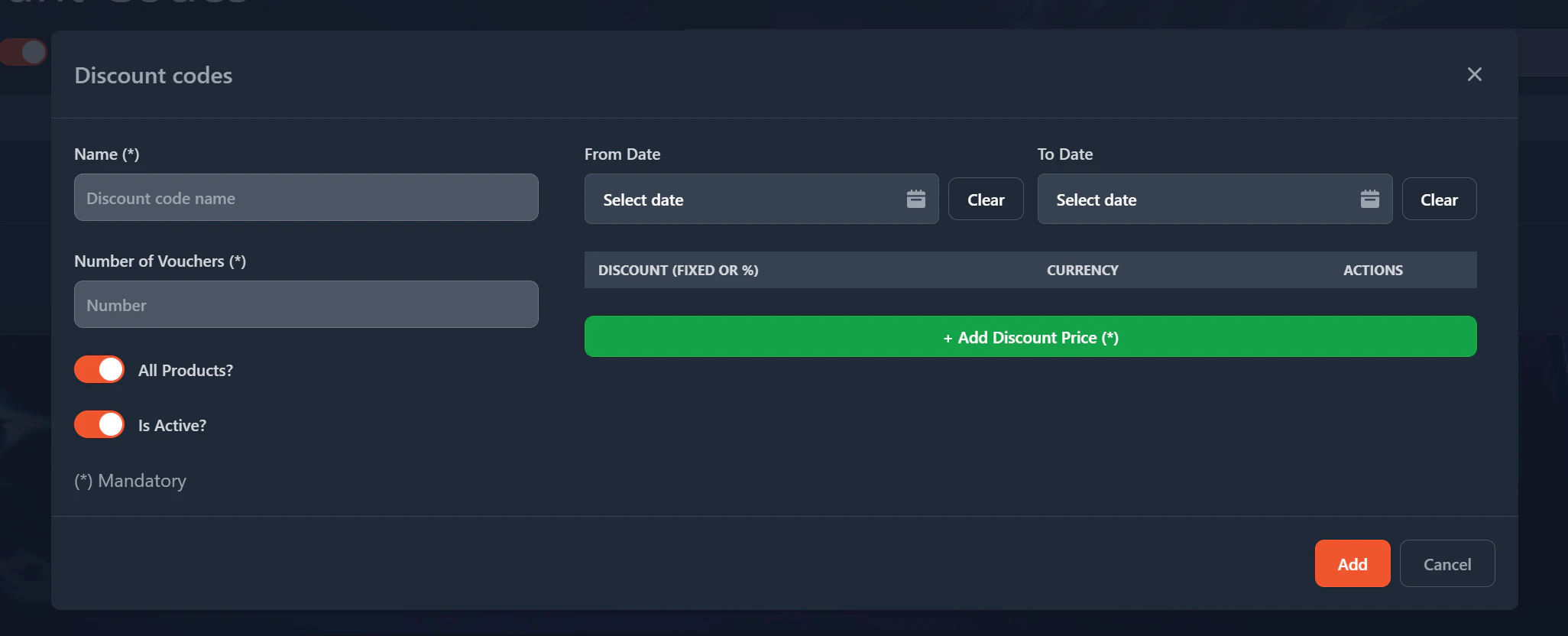
- Name: Name for your discount code. This is a reference that you can give to it.
- Number of vouchers: The number of vouchers that you want to create. You can always increase (or decrease) it later.
- All Products?: When checked the voucher will be available for all products. If unchecked then you can define for which product(s) its available.
- Is Active?: Defines if the discount is available or not. If not, then all vouchers created will be invalid.
- From Date and To Date: You can define here from when and until the voucher is valid.
- Discount Price: Per currency (or ALL) you can define what the price of the discount will be. It can be a percentage or a fixed amount.