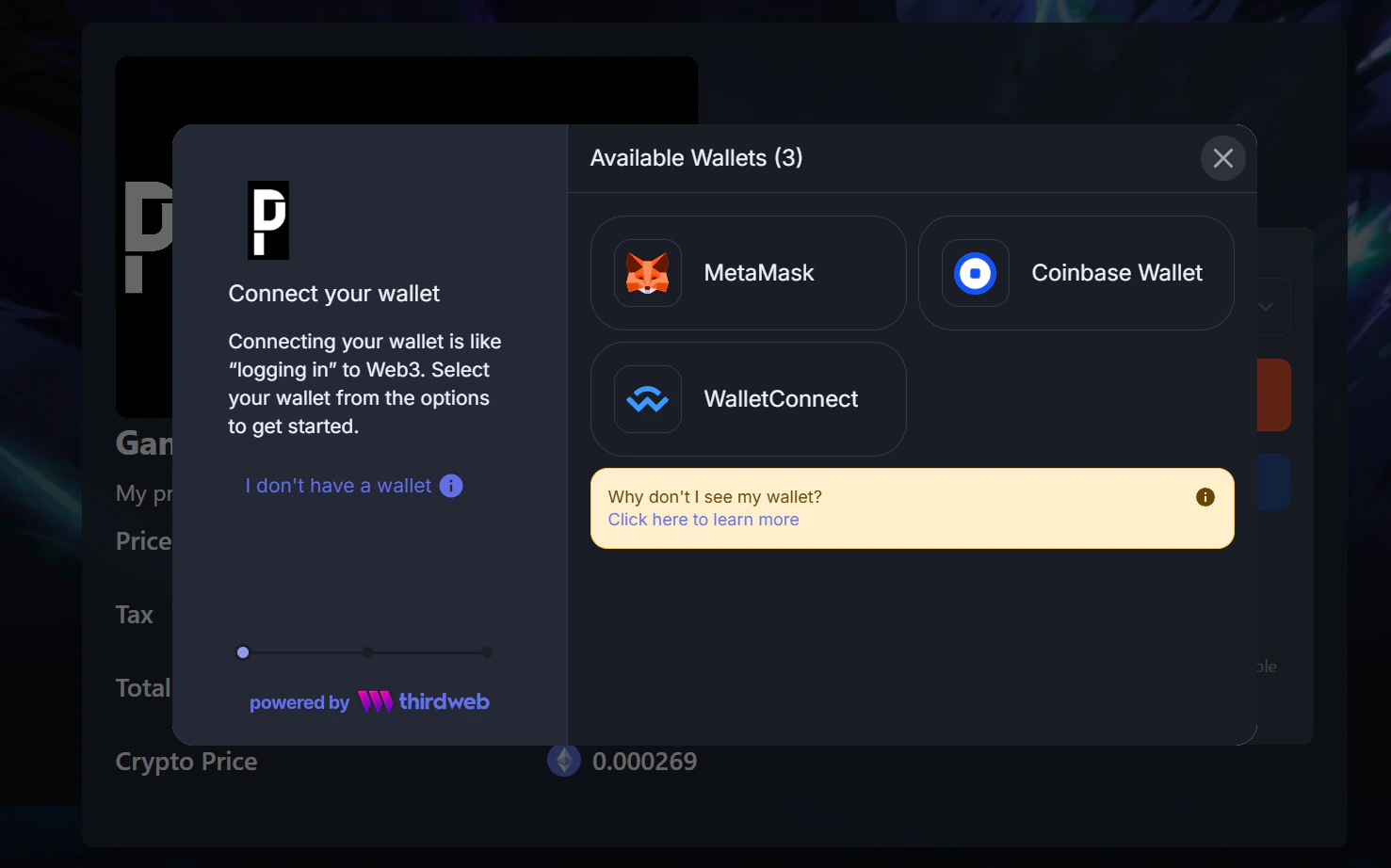
https://payingame.io/payment/[Guid]/[CustomerID]/[Language]/[UniquePaymentGuid]
- [Guid]: This is the productGuid you want to sell.
- [CustomerID]: The userid of your game or Saas solution. This can be a steam id or any other unique identifier you are using in your product.
- [Language]: The language in which the payment page needs to be shown.
- [UniquePaymentGuid]: This uniquely identifies the payment. Its needed to be sure that a user can only buy an item once.
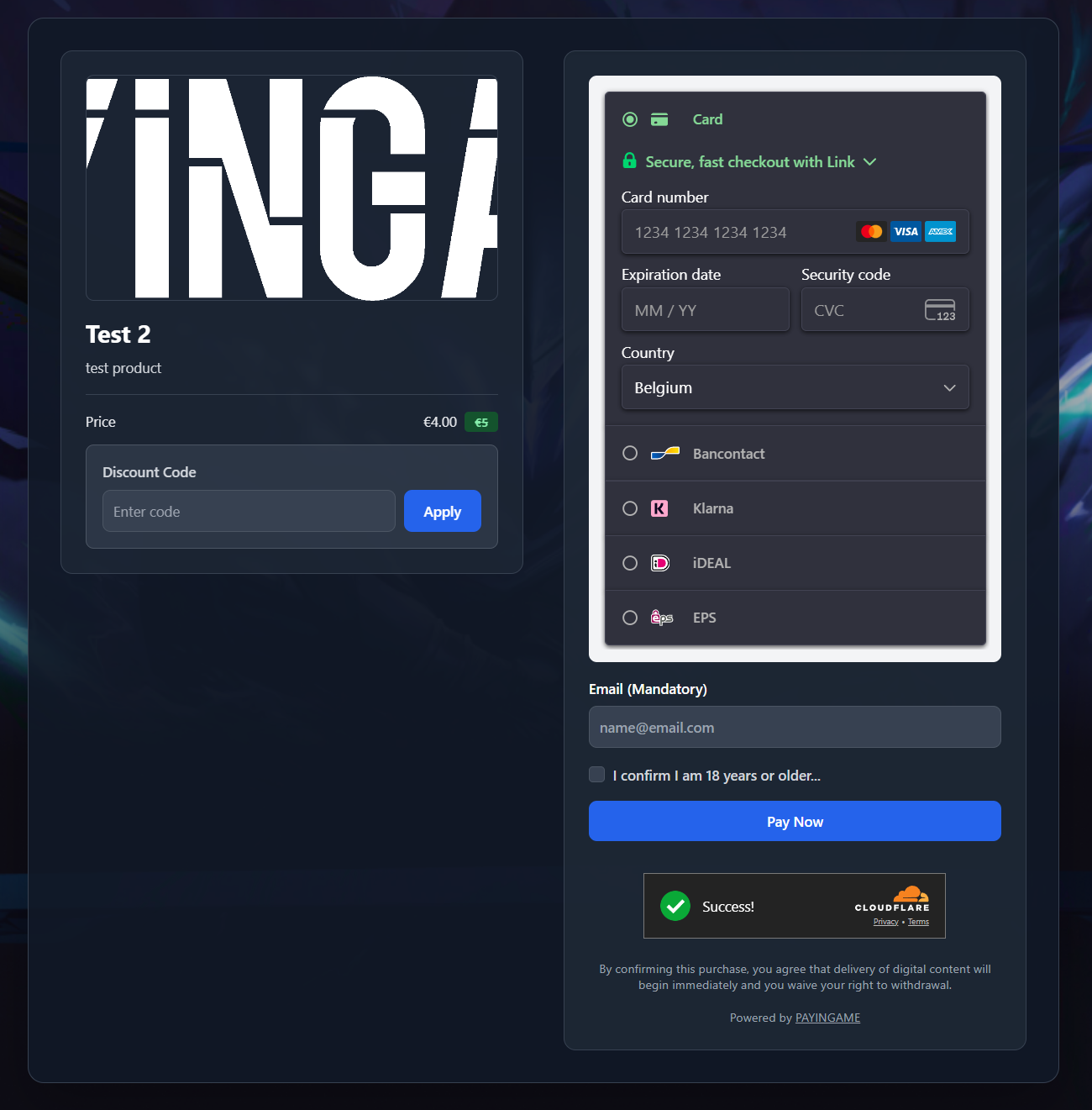
- Show the VAT on top of the price (based on the way you have set the price)
- Show the amount of items a customer can buy at the same time (based on the maximum amount a user can buy. See ‘Create a product’)
- Show the payment terms (in case you uploaded one)
- Email needs to be filled in at all times. This to sent the receipt once a sale is successful