> ## Documentation Index
> Fetch the complete documentation index at: https://docs.payingame.io/llms.txt
> Use this file to discover all available pages before exploring further.
# Edit a project
> Once a project is available, you can always edit it later.
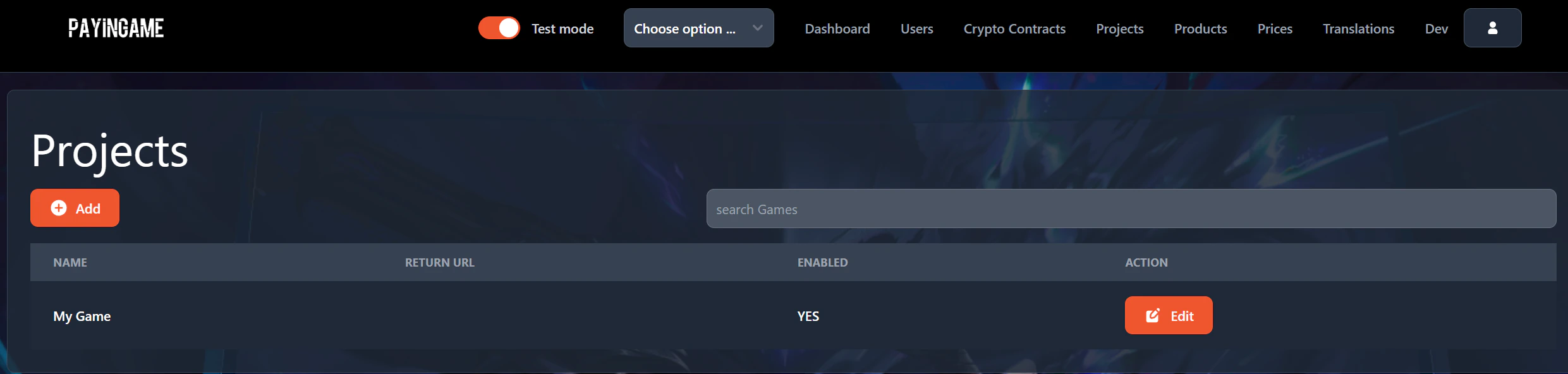
To edit a project, go to the "Projects" item in the header and press on "Edit" in the list of projects.
 A popup will appear where you will be able to make the necessary changes
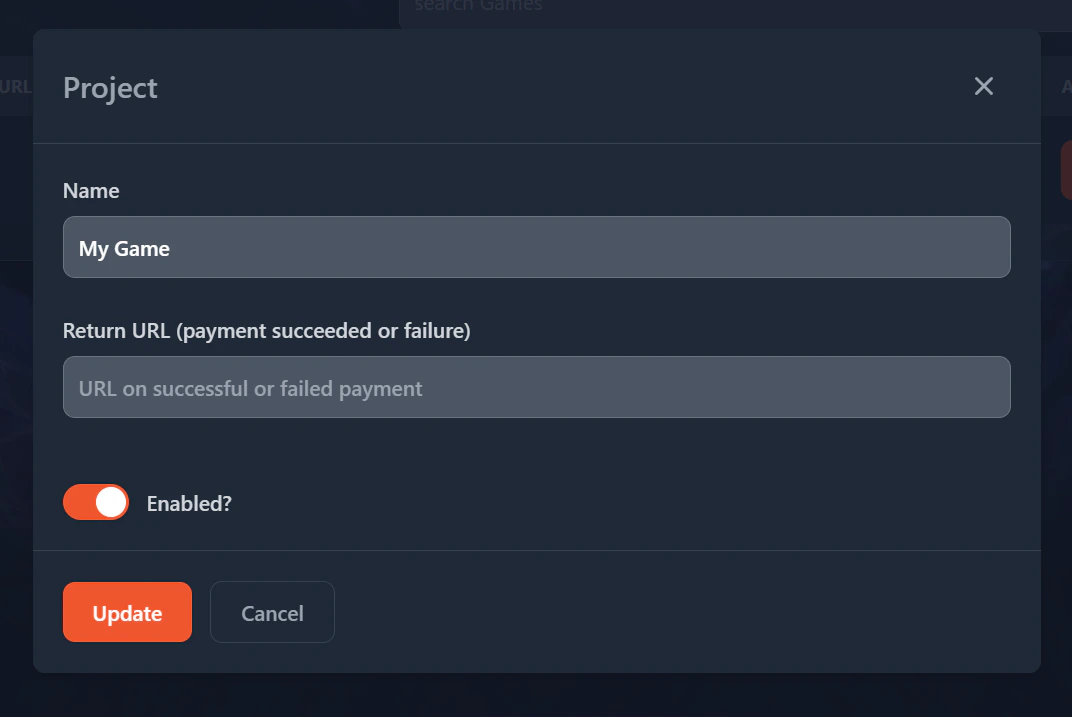 Pressing on the Update button will allow you to save the changes.