> ## Documentation Index
> Fetch the complete documentation index at: https://docs.payingame.io/llms.txt
> Use this file to discover all available pages before exploring further.
# Enable Fiat Payments
> To enable Fiat payments, we are working with Stripe to handle the payments. This means that credit card info is never stored on Payingame.
When clicking on 'Enable', following popup will be shown
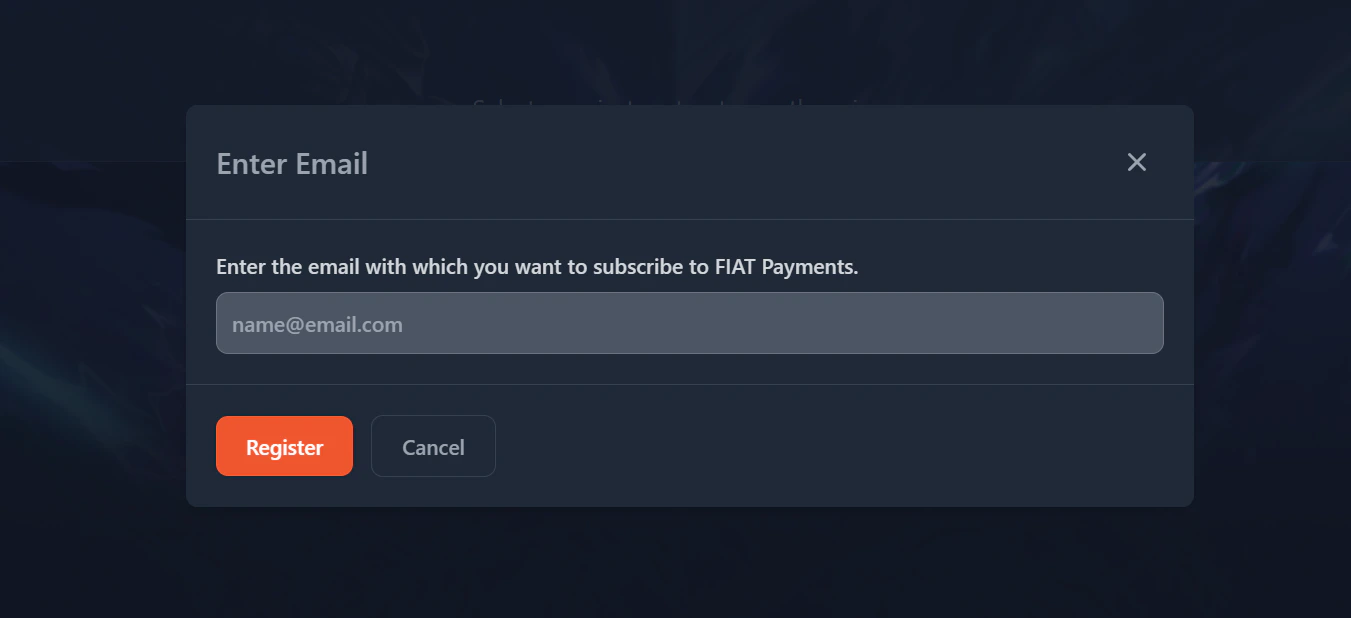 Once you filled in your email, you will be forwarded to the onboarding process of Stripe.
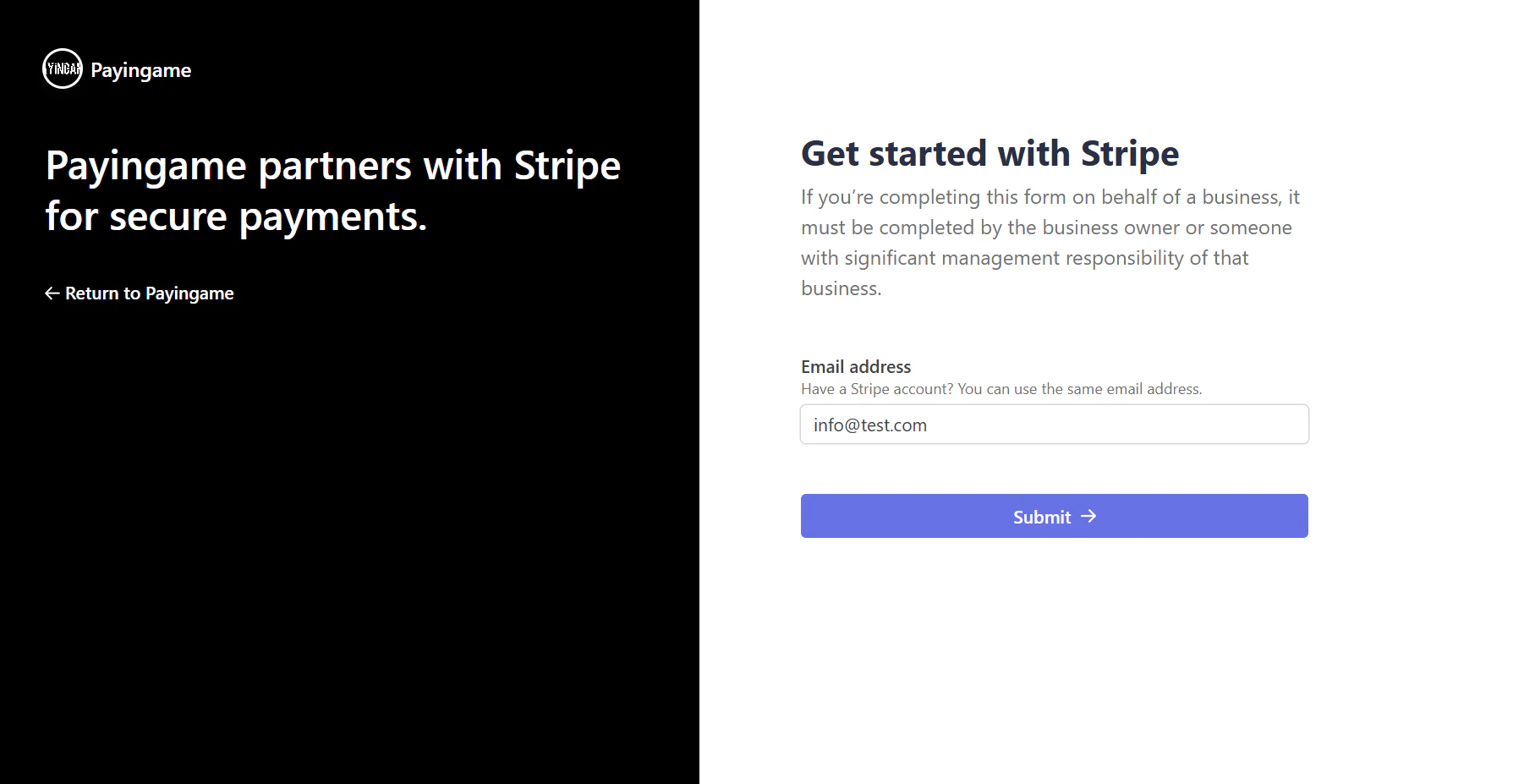 Here you will need to enter your company information as well as your bank account details where the payments need to go to.
The fees of Stripe and Payingame will automatically be substracted from the amount. You will see the net value in the dashboard on Payingame.
Here you will need to enter your company information as well as your bank account details where the payments need to go to.
The fees of Stripe and Payingame will automatically be substracted from the amount. You will see the net value in the dashboard on Payingame.