> ## Documentation Index
> Fetch the complete documentation index at: https://docs.payingame.io/llms.txt
> Use this file to discover all available pages before exploring further.
# Enable Crypto Payments
> If you want your products to be sold in crypto, you will need to follow this step.
When clicking on 'Enable', you will be directed to following page
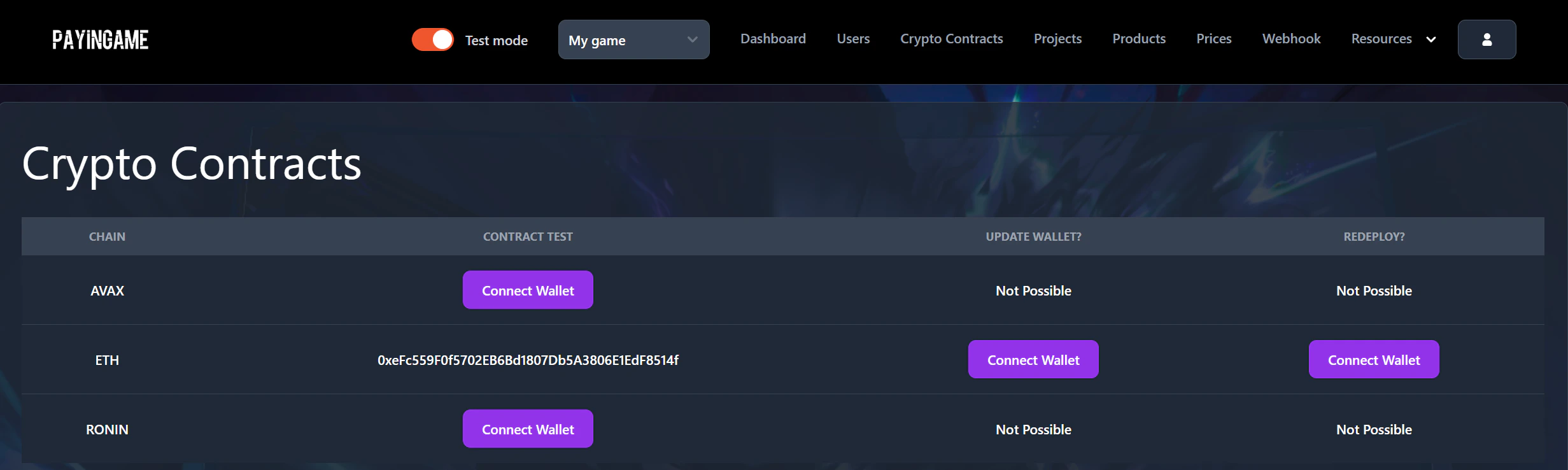 Once you enabled a contract, users will be able to pay with crypto (if you enabled it in the prices.)
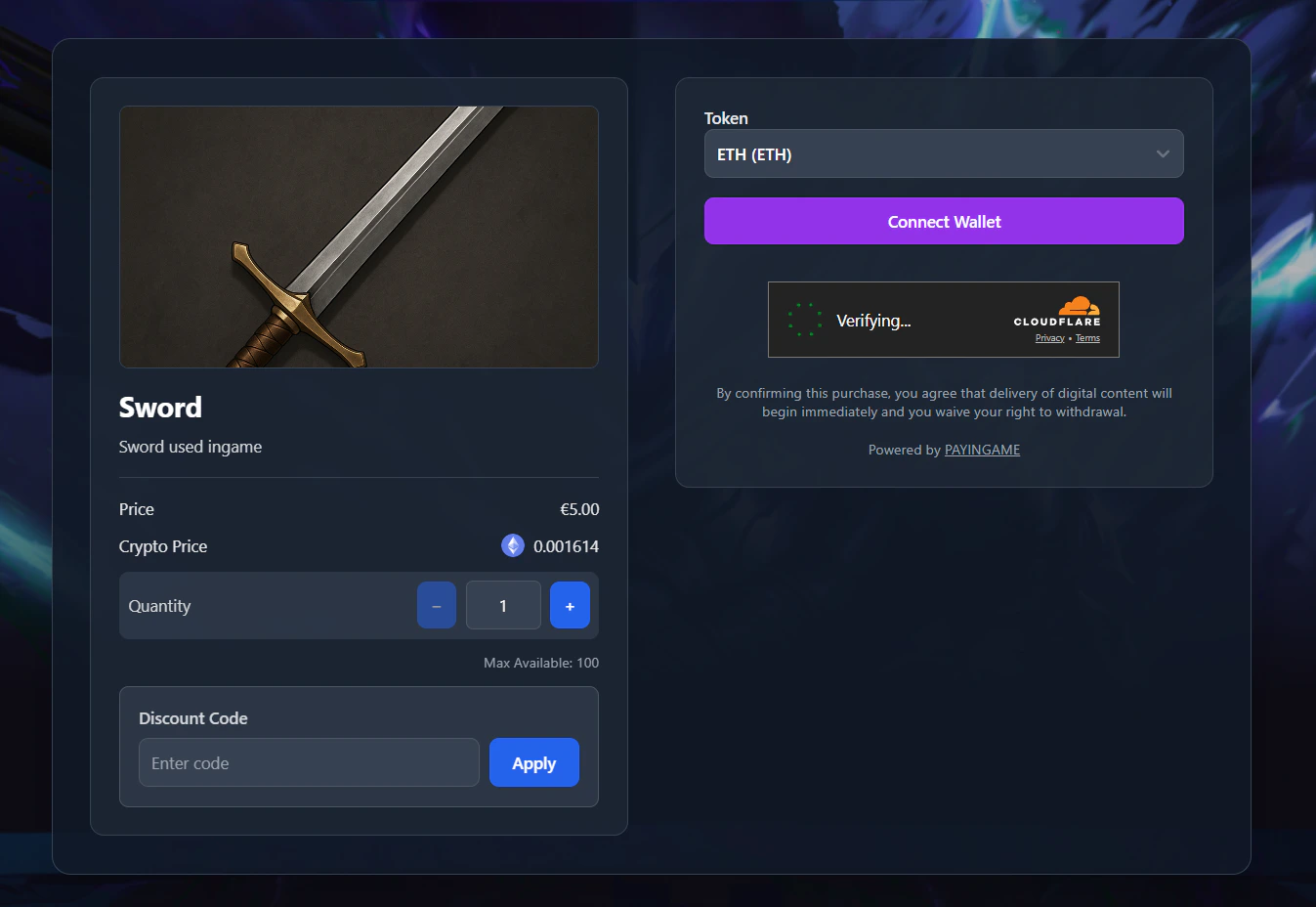 For more information on how this works click Here